1.) Touch "Sticker" button on Gun Card screen.

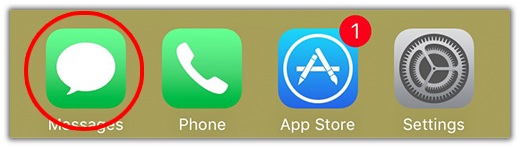
2.) Open Messages app.
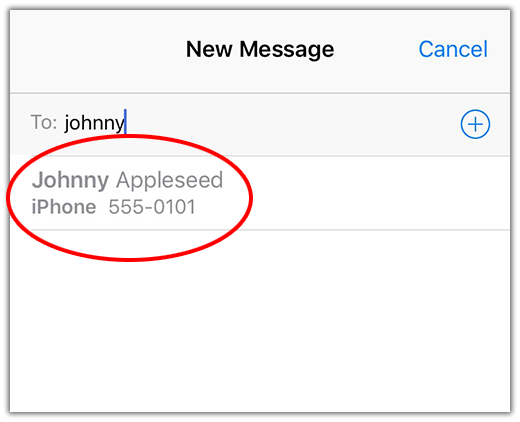
3.) Choose your message recipient.
4.) Touch Messages App Store button.
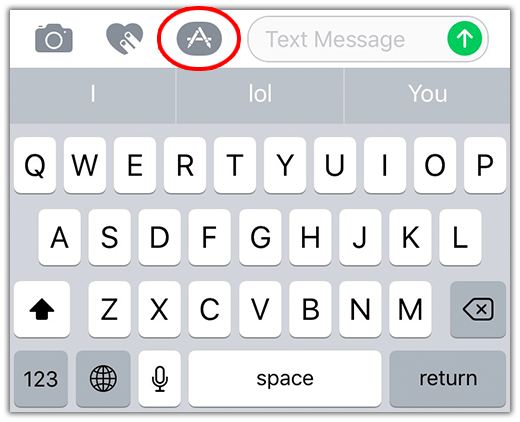
5.) Touch the App Drawer button.
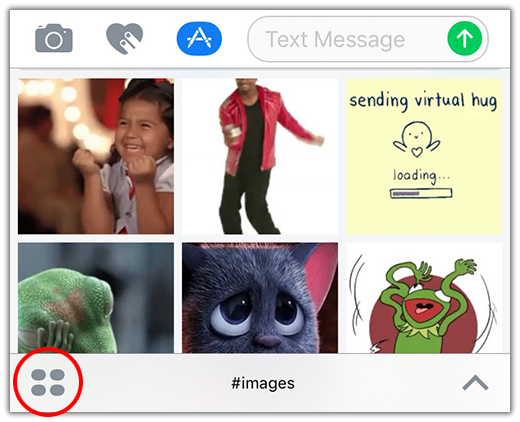
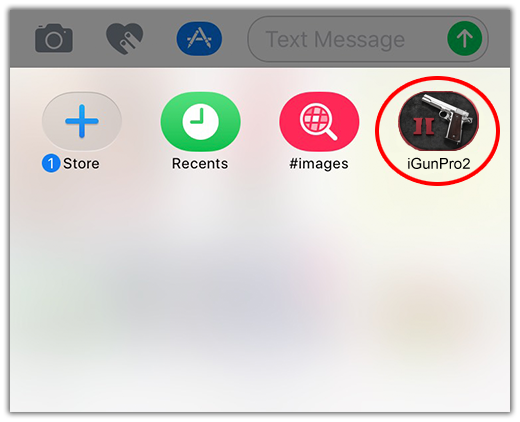
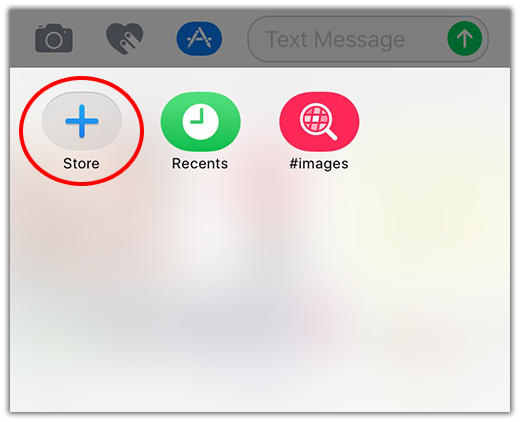
6.) If you dont see the iGunPro2 icon in your app drawer, touch the Store button.
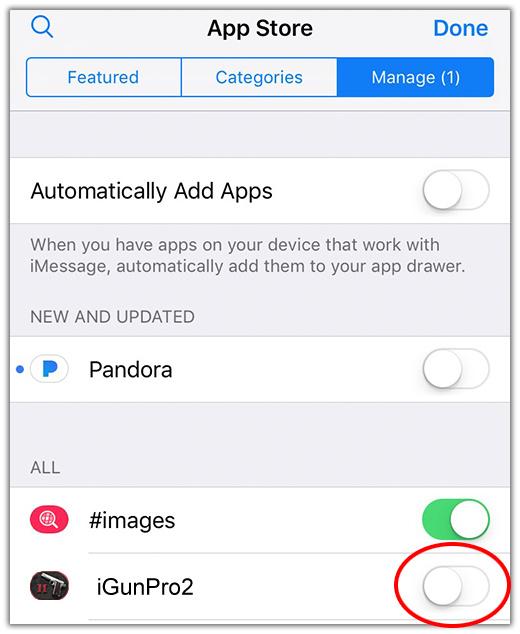
7.) Go to the Manage tab at the top and then toggle the switch next to iGunPro2 to active the sticker app.
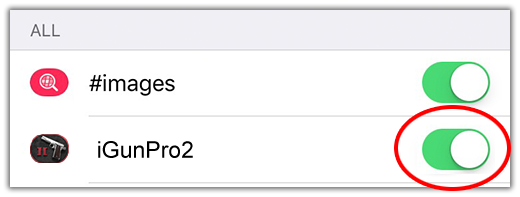
8.) Tap iGunPro2 icon to use your new stickers.